> ## Documentation Index
> Fetch the complete documentation index at: https://upstash-dx-2866-inline-start-redis-snippet.mintlify.site/llms.txt
> Use this file to discover all available pages before exploring further.
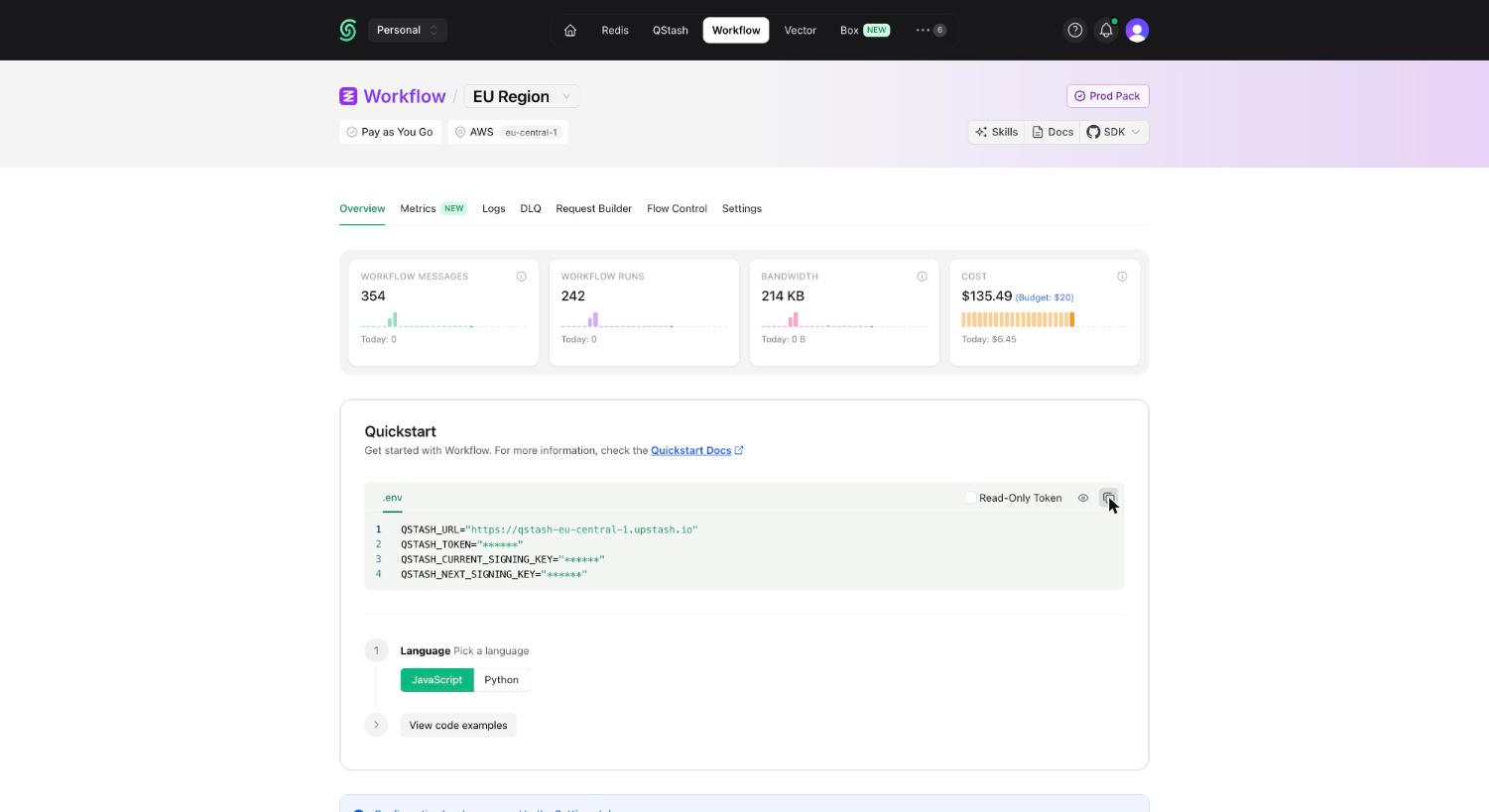
# Get your QStash Token
Upstash Workflow is powered by [QStash](/qstash/overall/getstarted), so your app
authenticates with a QStash token. Go to the
[Workflow tab in the Upstash Console](https://console.upstash.com/workflow), pick
the region you want to use, and copy the `QSTASH_TOKEN` from the **Quickstart**
section.
 If you want to safely share a token with your team or AI agents, you can use a
[read-only token](/workflow/howto/readonly-token) instead.
If you want to safely share a token with your team or AI agents, you can use a
[read-only token](/workflow/howto/readonly-token) instead.